A terminal that outlives the tab.
sshtty is a terminal in your browser that runs on your own machine. Put Claude Code in one tab and your dev server in another, with a group for each project.
Closing the tab doesn't close the shell.
Your shells run inside sshtty, not inside the page. The browser only shows them, so you can close it tonight and pick up mid-command tomorrow.
They stop when sshtty stops: press Ctrl+C in its terminal or restart the computer.
browser tab
open
zsh
20:00:00
claude
13:00:00
npm run dev
1:36:00
tab opentab closedtime runs 1,080× faster here
Close it and watch the clock. The shells keep counting.
A group for every project, a tab for every task.
Give each group a logo and switch with a click. The same groups open on your phone, with keys for Esc, Tab, Ctrl and the arrows.
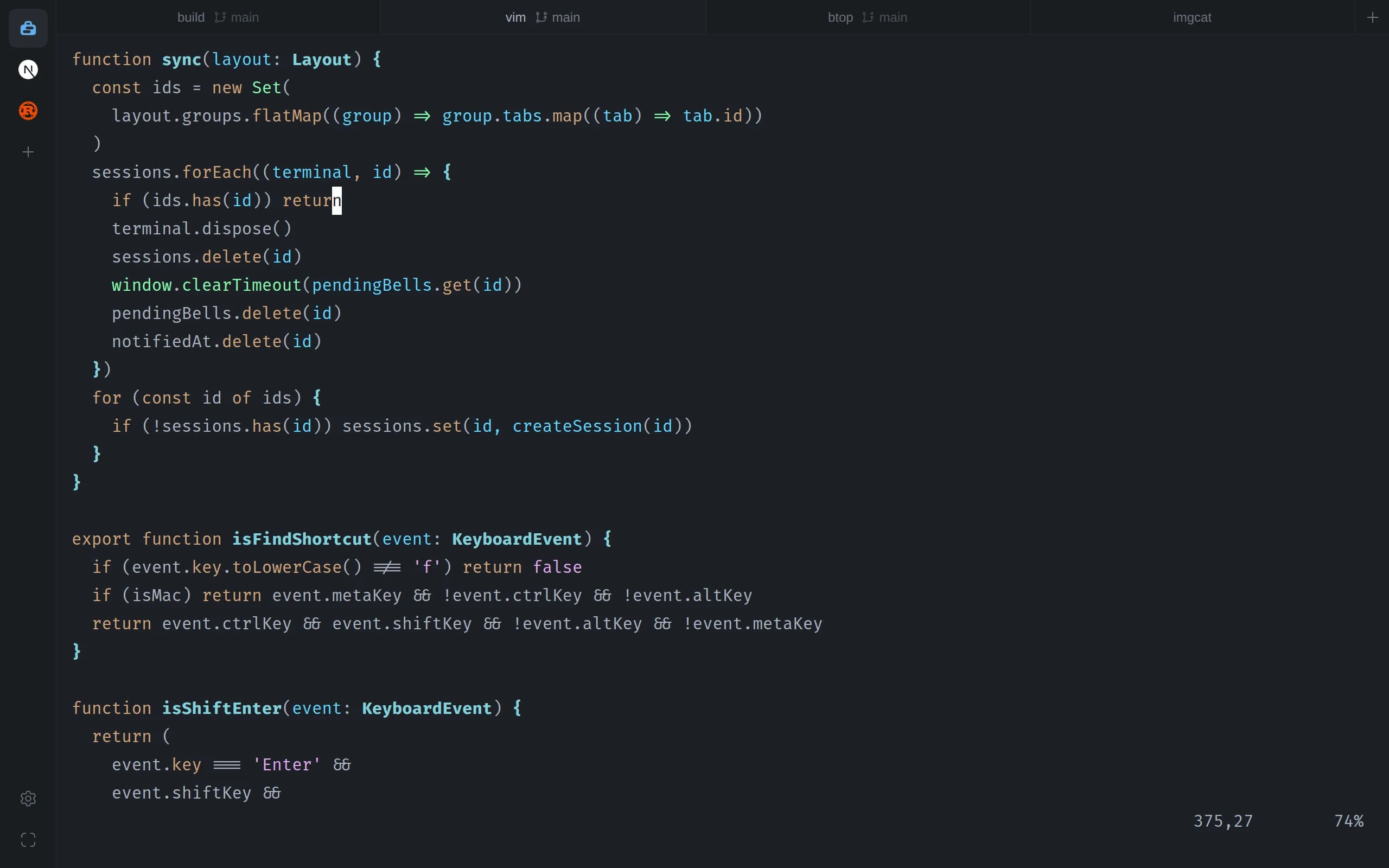
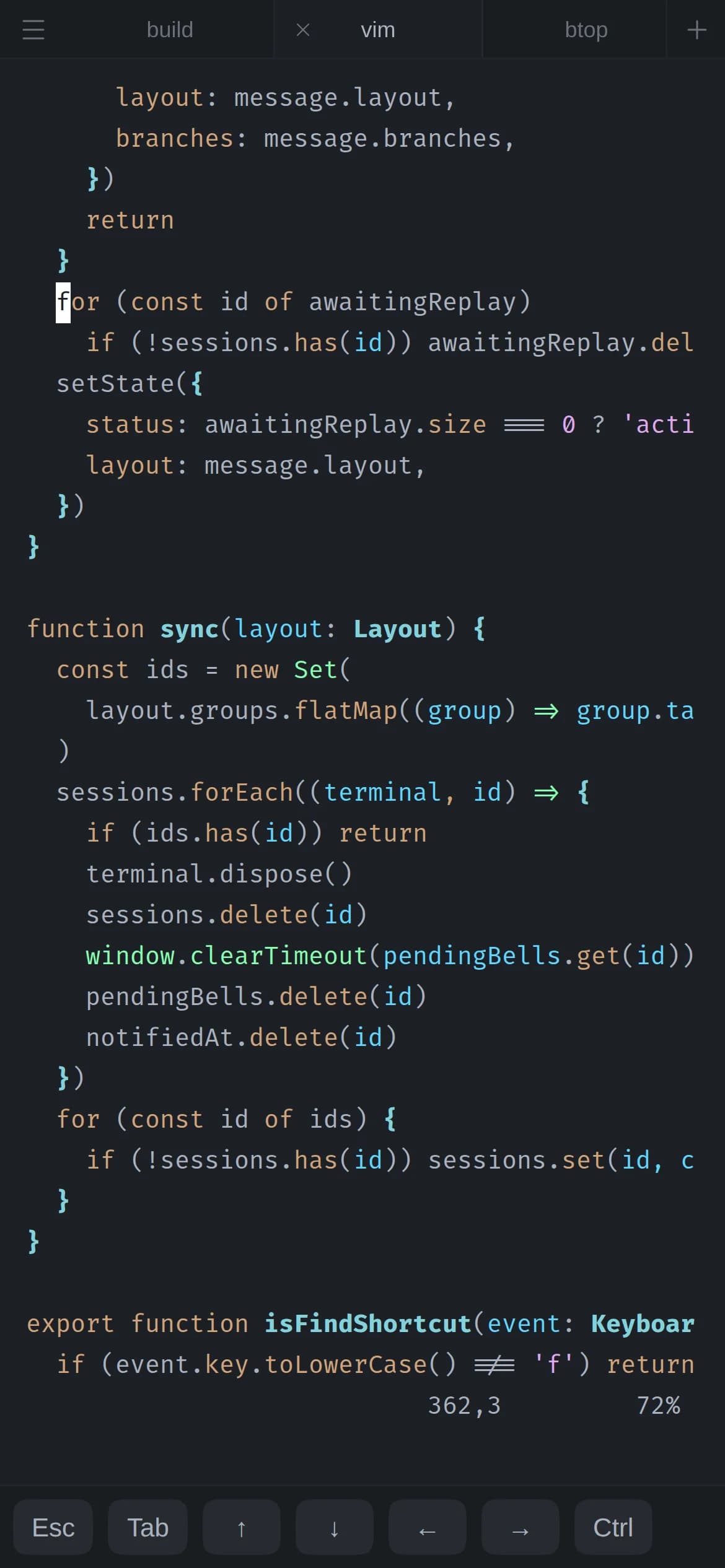
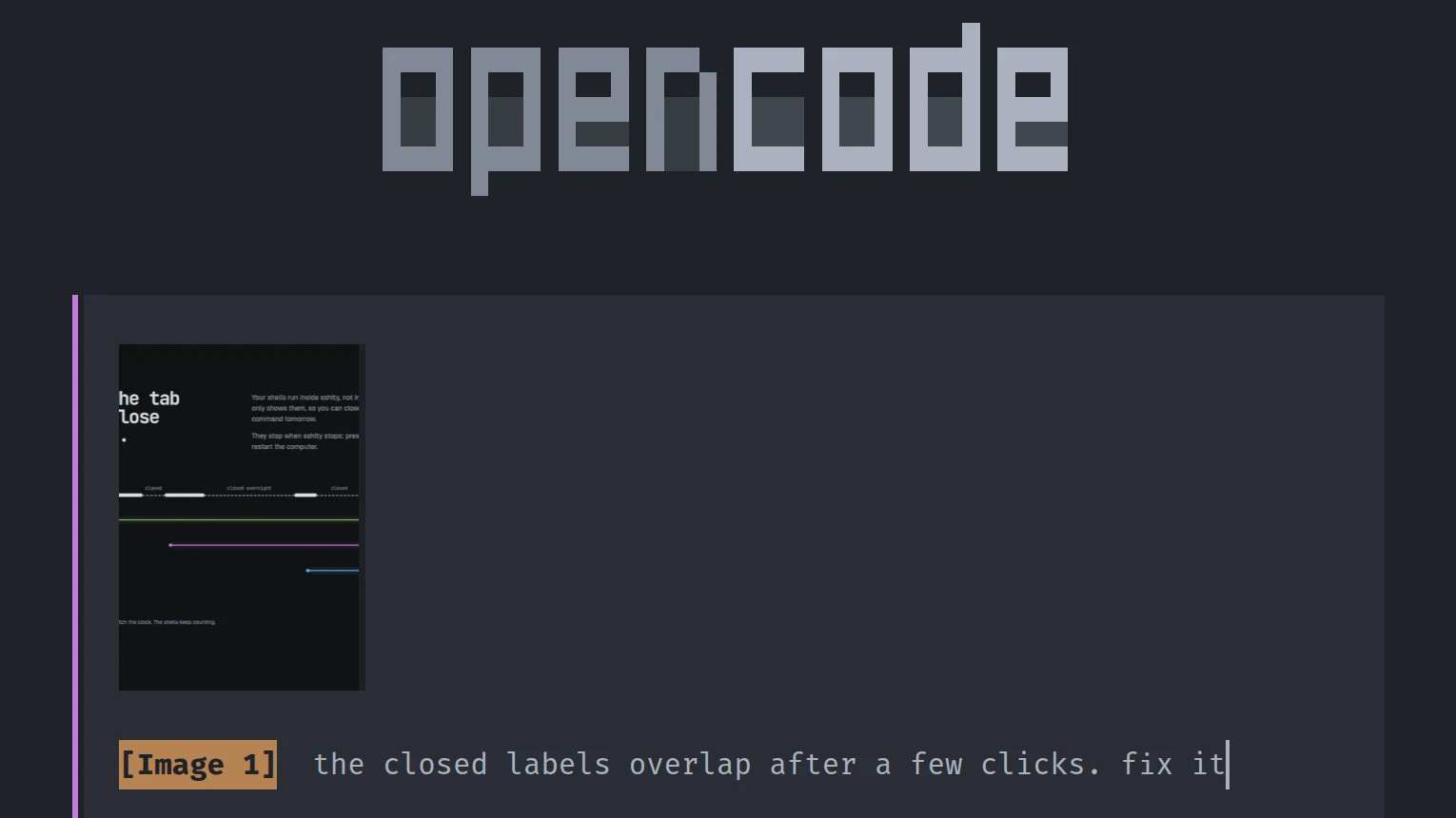
Paste screenshots into your agent
Run Claude Code, OpenCode or any other terminal app. Paste an image and sshtty saves it to a file and types the path, so the agent can open it.
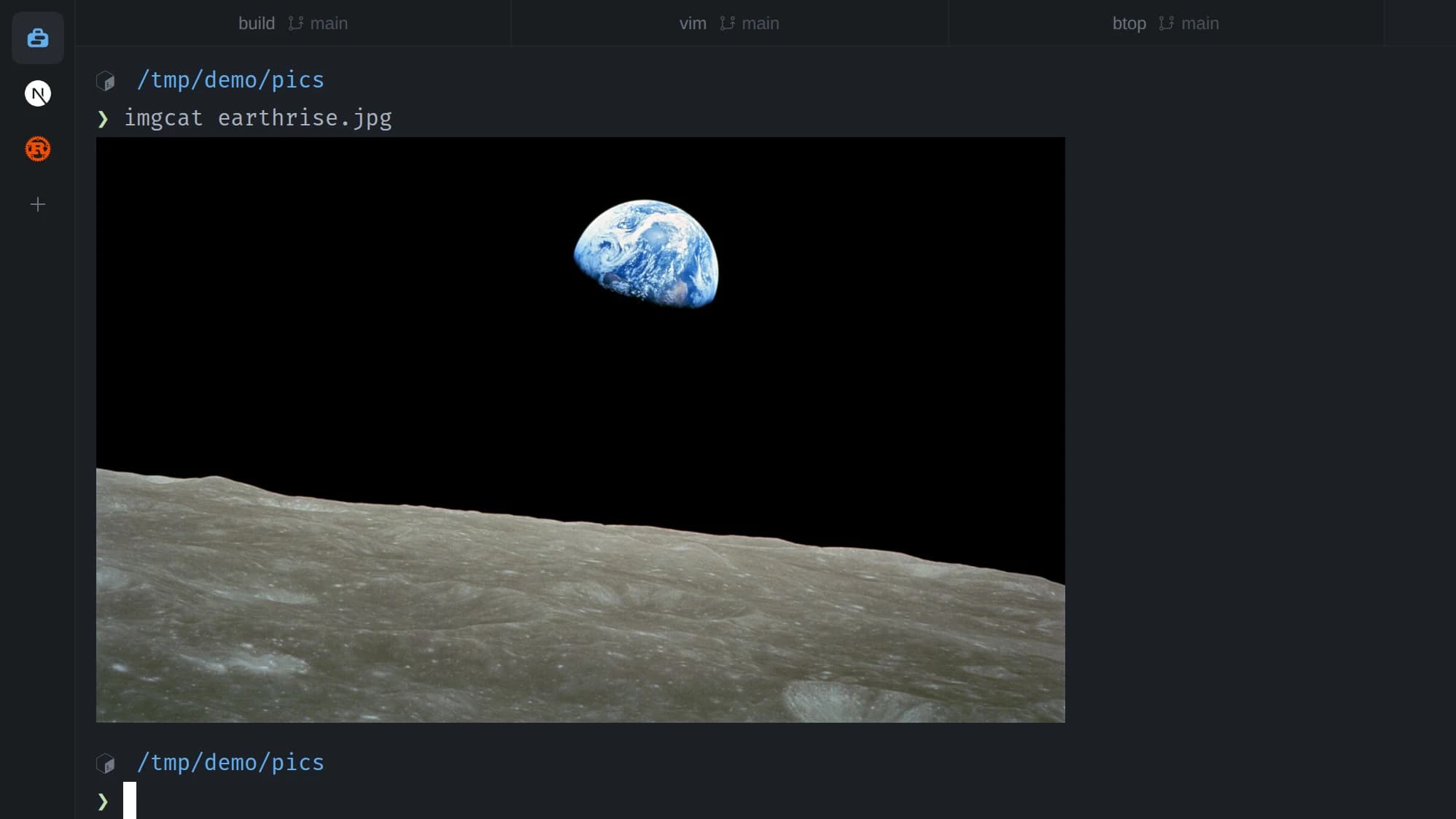
Images print right in the terminal
Sixel and iTerm2 inline images both work, on Windows too, where Windows Terminal shows sixel but not iTerm2 images.
sshtty also has search, clickable links, a large scrollback, settings for shell, font, cursor and padding, and several sshtty servers on different ports sharing one set of groups.
10 themes built in. Try one.
Pick a theme and this page switches to it. sshtty also takes custom colors.
=> !== <=
JetBrains Mono
=> !== <=
Fira Code
=> !== <=
Cascadia Code
=> !== <=
Hack
Bundled Nerd Fonts, with ligatures where the font has them.
Install sshtty
Then open 127.0.0.1:47831 in your browser.
macOS, Linux and Windows. No account. MIT licensed.